
Technology is no longer something businesses can afford to treat as an afterthought. Nearly every part of a modern company depends on reliable IT: email, phones, internet, accounting software, file storage, cybersecurity, cloud applications, remote access, backups, and the devices employees use every day to get their work done.
Yet many of the business owners we talk to do not have a true IT budget built into their yearly expenses.
They may budget for rent, payroll, insurance, vehicles, equipment, marketing, and professional services, but when it comes to technology, the plan is often reactive. A computer fails, then it gets replaced. A server starts causing issues, then it becomes urgent. A backup problem is discovered only after files are missing. A cybersecurity requirement appears during an insurance renewal, and suddenly the business has to scramble.
That approach may have worked years ago, but with the growth of technology and the increasing risks businesses face, it is no longer enough.
A strong IT budget is not just about spending money on computers. It is about reducing business risk, preventing downtime, protecting company data, and making sure your technology can support your goals instead of slowing them down.
Why Many Businesses Overlook IT Budgeting
For many small and mid-sized businesses, IT costs can feel unpredictable. One month everything seems fine, and the next month there is an unexpected expense for a failed workstation, expired software license, network issue, or security upgrade.
The problem is not always the cost itself. The bigger issue is that the cost was not planned for.
When a business does not have an IT budget, technology decisions often get delayed until something breaks. That creates several risks:
- Employees lose productivity because their devices are slow or unreliable.
- Older computers are kept in service past their useful life.
- Security updates and software renewals may be missed.
- Backup systems may not be reviewed or tested regularly.
- Hardware failures can lead to lost data or extended downtime.
- Emergency purchases may cost more than planned replacements.
- Leadership does not have a clear picture of upcoming IT needs.
Technology should not be managed only when there is a problem. It should be planned, reviewed, and updated as part of the company’s ongoing operations.
Your Devices Are Business Assets, Not Just Office Equipment
Computers, laptops, servers, firewalls, switches, wireless access points, and backup systems are all part of the foundation your business runs on. When these devices are functioning properly, employees can work efficiently and securely. When they are outdated or failing, the entire business can feel the impact.
A common mistake is waiting until a device completely fails before replacing it. On the surface, this may seem like a way to save money. In reality, it often creates more risk.
An aging computer may run slowly, crash unexpectedly, or stop receiving important updates. A failing hard drive can put business files at risk. An old server can become a single point of failure. A firewall that is past its lifecycle may no longer provide the level of protection your business needs.
Replacing equipment before disaster happens is almost always better than replacing it during an emergency.
A planned replacement cycle gives your business time to budget properly, order the right equipment, schedule installation, transfer data safely, and minimize disruption for the employee using the device. It also helps prevent the worst-case scenario: a failed device, lost data, downtime, and a rushed recovery effort.
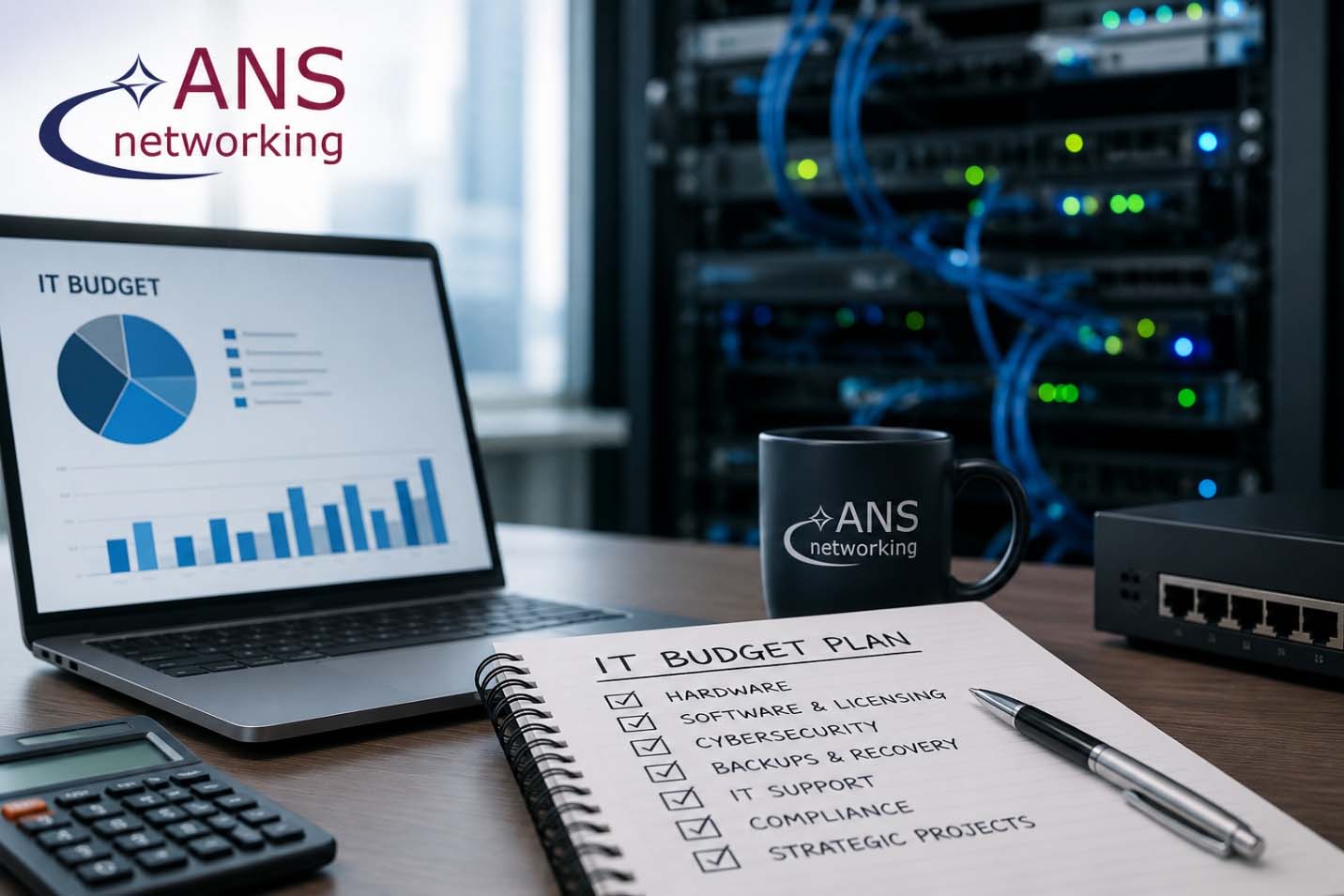
What Should Be Included in an IT Budget?
A useful IT budget should include more than just new computers. It should provide a complete view of the technology your business depends on throughout the year.
Here are the major categories most businesses should consider.
1. Hardware Replacement and Refresh Cycles
Every business should have a plan for replacing devices before they become a problem. This includes desktops, laptops, servers, monitors, docking stations, firewalls, switches, wireless access points, printers, and other key equipment.
A good IT budget should answer questions like:
- Which devices are nearing the end of their useful life?
- Which employees may need upgraded equipment this year?
- Are any servers, firewalls, or network devices approaching replacement?
- Are warranties expiring?
- Are devices still able to support current software and security requirements?
- Are there performance issues affecting productivity?
For many companies, replacing a few devices each year is much easier than replacing everything at once after years of delay.
2. Software and Licensing
Most businesses now rely on cloud-based software and subscription services. Microsoft 365, accounting platforms, line-of-business applications, antivirus tools, backup services, email security, remote access tools, and other licenses may all renew monthly or annually.
Without a licensing plan, businesses can easily lose track of what they are paying for, what they actually use, and what needs to be renewed.
Your IT budget should account for:
- Microsoft 365 or other productivity licensing
- Security software
- Backup and disaster recovery tools
- Cloud storage
- Industry-specific applications
- Remote access tools
- Email filtering and protection
- Compliance-related platforms
- License increases as the company grows
Licensing should also be reviewed regularly. Businesses often discover they are paying for unused licenses, missing licenses for new users, or using plans that no longer fit their needs.
3. Cybersecurity
Cybersecurity is now a core business expense. It should not be treated as optional or only addressed after an incident.
A cybersecurity budget may include:
- Multi-factor authentication
- Endpoint detection and response
- Firewall management
- Email security
- Security awareness training
- Vulnerability scanning
- Patch management
- Dark web monitoring
- Security audits
- Incident response planning
- Compliance support
- Cyber insurance readiness
As threats continue to change, businesses need to budget for security improvements the same way they budget for insurance or physical building protection. Cybersecurity is part of protecting the company, its employees, its clients, and its reputation.
4. Backup and Disaster Recovery
Having backups is not the same as having a complete disaster recovery plan.
A proper IT budget should include backup systems, cloud backup, storage, monitoring, and regular testing. The goal is not only to back up data, but to make sure the business can recover when something goes wrong.
This matters in situations such as:
- Hardware failure
- Accidental deletion
- Ransomware
- Fire or water damage
- Server failure
- Lost or stolen devices
- Cloud account compromise
- Natural disasters
Businesses should know what data is being backed up, how often backups run, where backups are stored, and how quickly systems can be restored. If those answers are unclear, the budget should include time and resources to fix that.
5. IT Support and Managed Services
Ongoing IT support helps keep systems running, employees productive, and issues from becoming larger problems.
Your budget should account for helpdesk support, monitoring, maintenance, patching, vendor coordination, documentation, onboarding, offboarding, and regular review of your environment.
For many businesses, managed IT services make IT costs more predictable. Instead of waiting for problems and paying for emergency support, the business has a proactive support model in place.
This also gives leadership better visibility into what is happening across the company’s technology environment.
6. Compliance and Risk Management
Depending on your industry, your business may need to meet specific requirements related to cybersecurity, data privacy, documentation, access control, or vendor management.
Healthcare, financial services, insurance, manufacturing, law firms, government contractors, and other industries may all have different expectations.
Your IT budget should account for any compliance-related needs, such as:
- Security audits
- Risk assessments
- Policy development
- Documentation
- Access reviews
- Backup reporting
- Cyber insurance requirements
- NIST or CMMC planning
- Employee training
- Vendor risk reviews
It is much easier to prepare for compliance requirements throughout the year than to rush when a client, auditor, insurance provider, or contract requires documentation.
7. Strategic Projects and Business Growth
IT budgeting should also support where the business is going.
If your company is hiring, opening a new location, moving offices, adopting new software, improving remote work, upgrading phone systems, or moving more services to the cloud, those projects should be planned in advance.
Strategic IT planning may include:
- New user onboarding costs
- New workstations and equipment
- Network upgrades
- Cloud migrations
- Server upgrades or replacements
- Phone system changes
- Office moves
- Wireless improvements
- Security improvements
- Application rollouts
- Automation projects
When IT is included early in business planning, projects are smoother, costs are clearer, and security is easier to maintain.
Annual Budgeting vs. Quarterly Budgeting
For many small businesses, an annual IT budget is a great starting point. It gives leadership a clear view of expected costs for the year and helps prevent surprise expenses.
However, larger companies or growing organizations may benefit from reviewing the IT budget quarterly.
A quarterly IT budget review can be especially helpful when:
- The company is hiring regularly.
- Employees need new devices throughout the year.
- Departments are expanding.
- Software licensing changes often.
- There are multiple locations.
- Compliance needs are evolving.
- Larger projects are being planned.
- Hardware replacement needs to be phased in.
- Cash flow planning is important.
Quarterly planning allows the business to adjust as needs change. For example, if five new employees are expected in the next quarter, the company can plan for laptops, monitors, docking stations, Microsoft 365 licenses, security tools, and onboarding support before those employees start.
This approach prevents last-minute ordering, rushed setup, and unexpected expenses.
Why IT Budgeting Reduces Risk
An IT budget is not just a financial document. It is a risk management tool.
When your business understands its technology needs in advance, you can make better decisions. You can replace aging devices before they fail. You can keep software current. You can strengthen cybersecurity before an incident. You can test backups before data is lost. You can prepare for growth instead of reacting to it.
A strong IT budget helps reduce:
- Downtime
- Emergency expenses
- Data loss
- Security gaps
- Employee frustration
- Compliance surprises
- Outdated equipment
- Poor purchasing decisions
- Productivity issues
- Business disruption
Technology will always require investment. The question is whether that investment is planned and strategic, or reactive and stressful.
Start With an IT Roadmap
If your business does not currently have an IT budget, the best place to start is with an IT roadmap.
An IT roadmap reviews your current environment, identifies risks, prioritizes improvements, and helps leadership understand what should happen now, next quarter, and over the next year.
A practical IT roadmap should include:
- Current device inventory
- Hardware age and replacement recommendations
- Software and licensing review
- Cybersecurity gaps
- Backup and disaster recovery status
- Compliance considerations
- Upcoming projects
- Budget estimates
- Priority levels
- Timeline recommendations
This gives business owners a clearer picture of what needs attention and helps prevent technology decisions from being made only during emergencies.
ANS Networking Can Help You Plan Ahead
At ANS Networking, we work with businesses throughout New Hampshire, Northern Massachusetts, and Southern Maine to help make technology more secure, reliable, and manageable.
Our team can help review your current IT environment, identify upcoming needs, and build a practical technology plan that supports your business goals. Whether you need help with hardware replacement planning, cybersecurity, backups, licensing, cloud services, compliance, or long-term IT strategy, having the right plan in place can make all the difference.
If your business does not currently have an IT budget built into your yearly expenses, now is the time to start.
Do not wait for a failed device, lost data, or unexpected emergency to decide what your technology needs.
Schedule a vCIO planning session with ANS Networking and start building an IT budget that helps protect your business, reduce risk, and support future growth.